Designed by a working police officer
The police scheduling app that fills in your whole year.
Police shift scheduling software written for one officer — you. Build your rotation once and every month fills itself in, as far ahead as you want and back over the months you already worked. Your off-duty jobs, your pay and your miles sit on the same calendar. Free, on iPhone and Android, and nothing you enter ever leaves your phone.
Why police scheduling needs its own app
You do not work a week. You work a cycle — four on and three off, a Pitman, a twelve-hour line that flips days to nights every fortnight. It never lands on the same weekday twice, so an ordinary calendar can only hold one shift at a time, typed in by hand, and a month later you are typing the same thing again.
That is the one job law enforcement scheduling has to get right, and it is why officers end up with a photo of the roster in the camera roll and a paper copy in the sun visor.
Law enforcement scheduling software, sized for one person
Most law enforcement shift scheduling software is sold to an agency by the seat and priced per officer. This is the same idea at the other end of the telescope: one person, one rotation, one phone, nothing to be issued and nothing to be taken back. If you are weighing up what makes the best shift scheduling software for law enforcement, the only question that matters is whether it can hold your cycle without you retyping it every month.
A police schedule maker, not a diary
Tell it how many days on, how many off, and where you are in the cycle this week. That is the whole setup. Change squads or win a different line at the bid and you move the start date — the entire calendar follows. Here is a straightforward one, drawn exactly as the app draws it.
Denver’s rotation, in BlueShifts
Denver officers work ten-hour shifts with three consecutive days off.
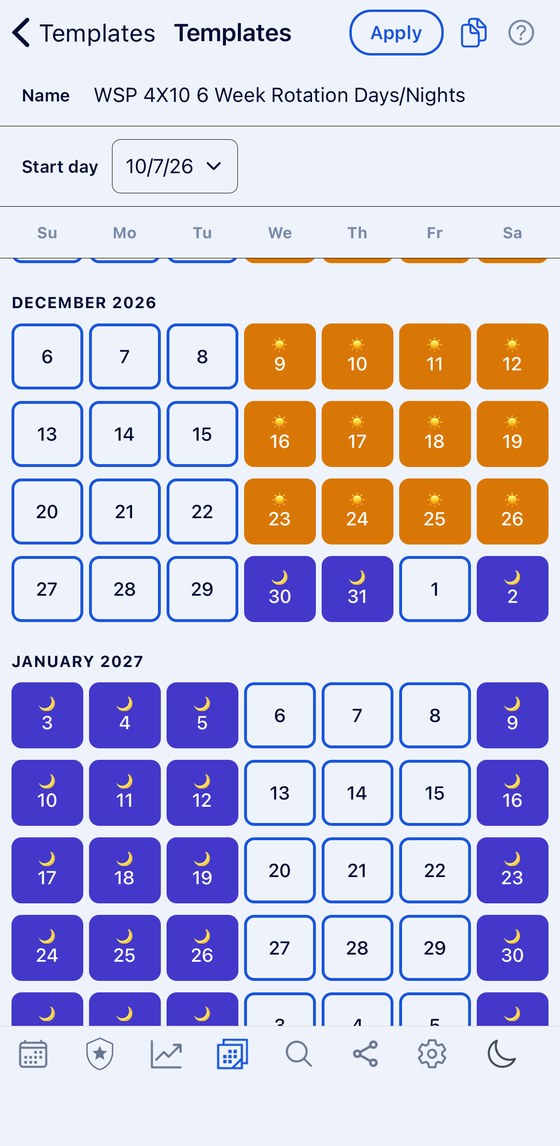
The rotation template screen — enter the cycle and the start date, and you are done.
DayNight24 hrsOff
Every month, already filled in — no typing, however far ahead you look.
September 2026
This cycle has its own page: how it works, and how to build it.
Three consecutive days off is the selling point, and it is also the thing hardest to plan around when the block slides through the week. BlueShifts fixes your cycle once and shows every future block.
Officer shift scheduling, however awkward your cycle is
Four-and-three is the easy case. The rotation below runs twenty-eight days — a fortnight of twelve-hour days, then a fortnight of nights — and never repeats on the same weekday. That is the pattern an ordinary calendar cannot hold at all, and it is the reason this exists.
Selbyville’s rotation, in BlueShifts
Officers work twelve-hour shifts with every other weekend off — two weeks of day shifts from 6am to 6pm, then two weeks of nights from 6pm to 6am.
The rotation template screen — enter the cycle and the start date, and you are done.
DayNight24 hrsOff
Every month, already filled in — no typing, however far ahead you look.
September 2026
The agency publishes the shift length but not a named cycle. These are the 12-hour rotations departments most often build on it: Pitman, 4 on, 4 off, DuPont, Panama, 3-4-4-3.
A fortnightly flip between days and nights is two patterns, not one, and the changeover never lands on the same date twice. BlueShifts holds both halves of the cycle and draws the months ahead, so you can see which weeks are nights before you plan anything around them.
That is the whole of law enforcement scheduling in one screen. 119 more agency rotations are already built in, taken from published rosters. If yours is one of them it is a couple of taps. If it is not, you build it yourself in about a minute and can share it straight to a colleague’s phone. Every pattern is explained at all rotation patterns.
Days, nights and twenty-fours, told apart at a glance
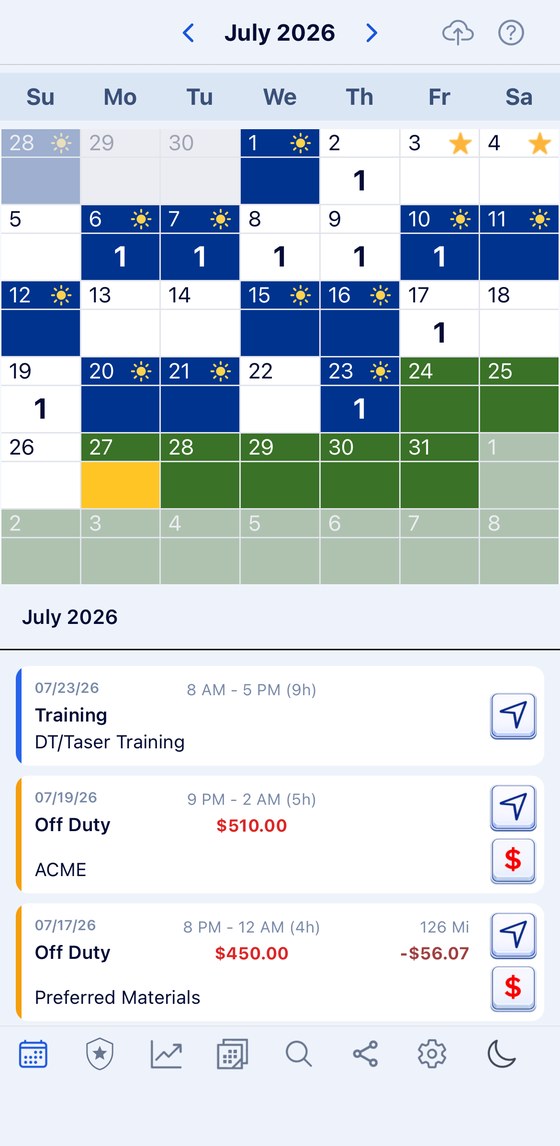
They are three different things to plan a life around, so the calendar marks which is which instead of making you remember. Leave, holidays and court dates sit on the same month.
Your off-duty work, on the same calendar
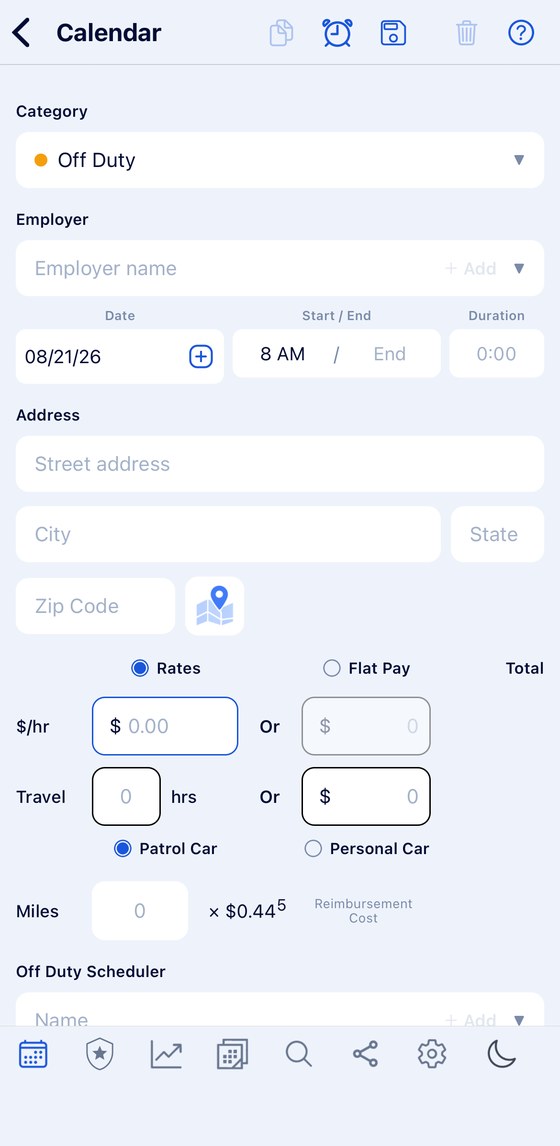
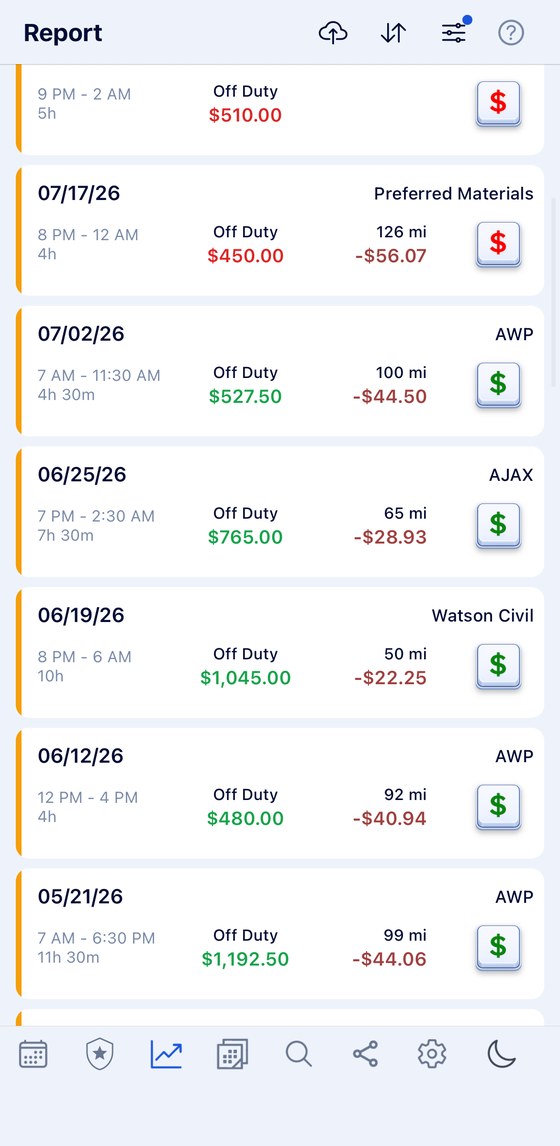
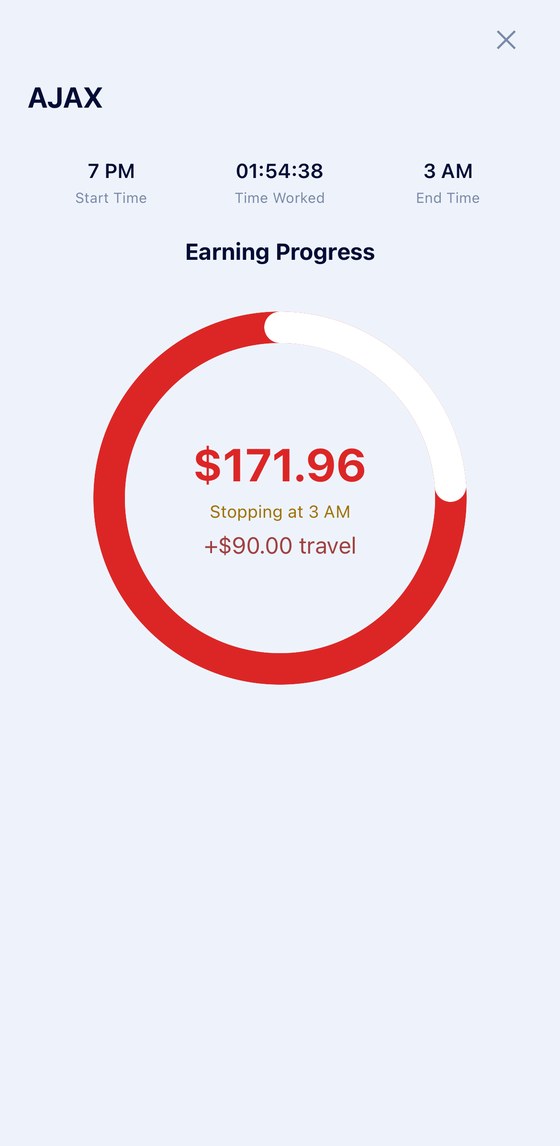
The roster is half of what your month is. The rest is the details, the overtime, the court dates and the second job. Here they sit beside the shift they have to fit around — with the rate, the miles, what it paid and whether the money has actually arrived. There is more on that at off-duty work.
The addresses and codes you actually need
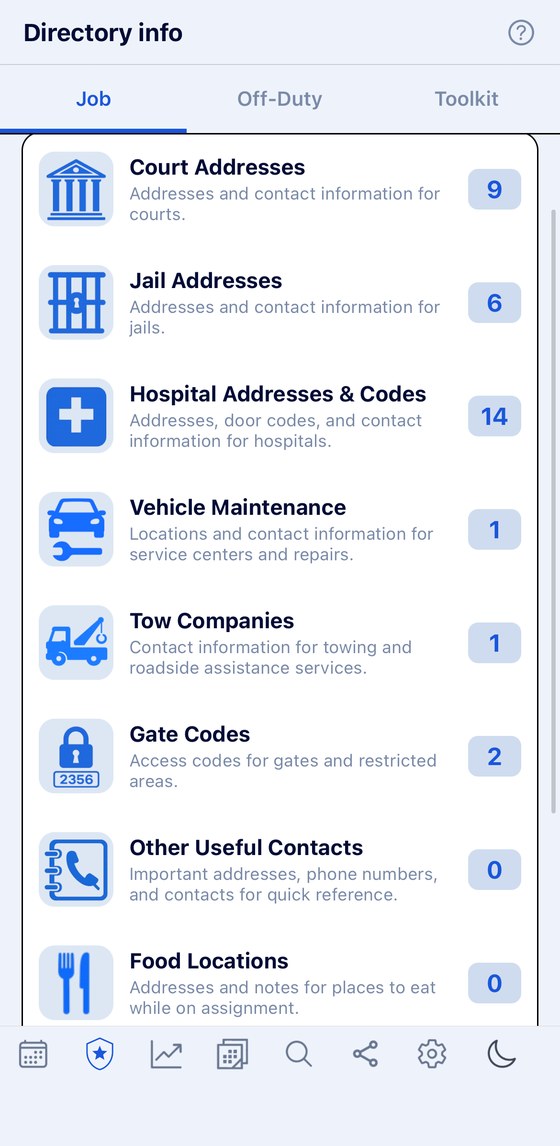
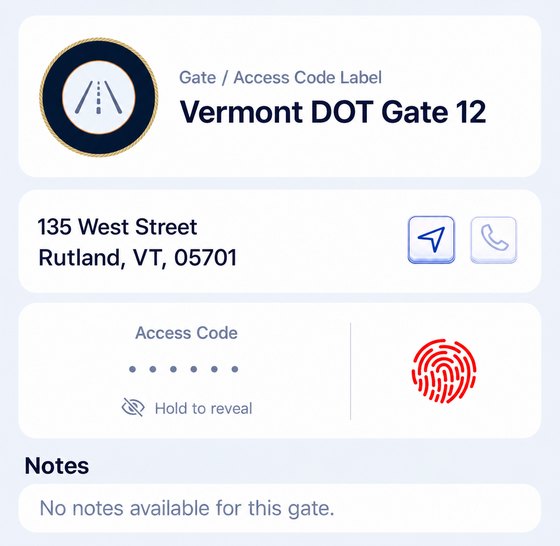
Courts, jails, hospitals, tow companies and gate codes, kept in your pocket rather than on a note in your locker — the directory holds them.
Your schedule stays on your phone.
Your shifts, your employers and your pay stay on your device. We keep no copy on a server, so there is nothing for anyone to sell, leak or hand over.
No account to create
Install it and start. There is nothing to sign up for and no password to forget.
Nothing leaves the phone
Your rotation, addresses, gate codes, pay and miles are never kept by us.
Yours for good
Transfer, promote or retire and the calendar carries on exactly as it was.

Who is behind it
BlueShifts comes from a working police officer with twenty years on the job — someone who works the same rotation you do and picks up the same off-duty jobs. He did not write the code. A friend who builds software did that, working from what the officer told him the job actually needs.
That is why it starts from the rotation rather than from a blank week, and why nothing you enter leaves your phone unless you choose to share it.
Put your rotation in once
Your shifts, your off-duty work and your pay, on one calendar — and no account needed.
Scan to install


